

Rocket Money is operated by Rocket Money, Inc., formerly Truebill, and belongs to Rocket Companies. It connects financial accounts through Plaid and publishes details of its security measures. Deciding whether to use it means weighing that access against the work it saves, then checking the subscription and negotiation fees. The prices and product information below are dated September 30, 2026.
What is Rocket Money, and who owns it?
Rocket Money brings together spending, budgets and subscriptions from connected accounts. Rocket Companies acquired Truebill in December 2021; the company announced the Rocket Money name in July 2022. Its terms identify the operator as Rocket Money, Inc.
That gives you a company and a contract to check. It doesn’t tell you whether a particular paid feature will save you money. Start with the job you need done: spotting a recurring charge, following a budget, canceling a subscription or negotiating a bill. Those jobs have different prices and permissions.
How does it access your bank?
According to Rocket Money’s security page, you enter bank credentials into an interface provided by Plaid and your financial institution. Rocket Money says it neither sees nor stores those credentials. Connecting still authorizes financial data to pass into the service, so read the account selection and consent screens before continuing.
The company reports TLS encryption during transmission, AES encryption for stored data, and hosting on AWS and Google Cloud. It also says it does not take payment in exchange for personal or financial information. These are the company’s published statements about its controls and practices.
Don’t assume every feature is read-only. Its Premium Financial Goals feature can move small amounts into an FDIC-insured account based on your cash flow. Review that feature separately from transaction tracking: allowing an app to display spending and authorizing savings transfers are different decisions.
What does Rocket Money cost?
The official pricing article lists these US prices in September 2026:
| Plan | Listed price | What to check |
|---|---|---|
| Free | $0 | Whether its available features cover your needs |
| Premium | $7–$14 a month | The amount selected and the trial end date |
| Premium+ | $15 a month | Whether you will use the included negotiation service |
Rocket Money says choosing a different amount within Premium does not change its features. Its help center warns that prices can vary by platform and over time, and describes a seven-day trial for new Premium members. Check the amount shown when you sign up.
Premium includes subscription cancellation assistance, unlimited budgets, net worth tracking, web access and data export. The help center says Premium is paid from a checking account; credit and prepaid cards are not accepted.
Bill negotiation has a separate cost outside Premium+. As of September 2026, you choose a fee of 35%–60% of the first year’s savings, payable only when the negotiation produces savings. The help page says the fee is charged after 48 hours unless you arrange a payment plan, and is nonrefundable once charged.
Rocket Money’s terms provide a useful example: a $10 monthly reduction produces $120 in first-year savings. At a 40% fee, you pay $48, leaving $72 before any membership cost. Premium+ includes negotiation without that commission. Use a subscription cost calculator to total your existing bills before deciding what help is worth paying for.
What do the documented complaints say?
The BBB profile showed an A+ rating and 209 complaints closed over the preceding three years when checked on September 30, 2026. A business rating and individual complaints answer different questions; read the substance of a complaint and the response.
In December 2022, EPIC and NYU’s technology law clinic submitted a complaint to the CFPB about Rocket Companies. It alleged misleading interface practices, charges for services advertised as free, excessive negotiation fees and credit-reporting law violations. These were allegations by the complainants, not a regulatory ruling.
TINA.org also examined Truebill’s negotiation fees and cancellation process in an article published in July 2022 and updated that August, including the company’s response. These dated reports help identify terms to inspect. They do not establish what happened in every customer’s account or describe every part of today’s interface.
How to cancel Rocket Money and disconnect your bank
Treat ending the membership, unlinking a bank and deleting the account as separate tasks. The help pages checked in September 2026 give these instructions:
- Cancel Premium: open Settings → Membership → Manage Membership. Move the price slider to $0/month and choose Cancel Subscription. On the web, use Manage. Cancellation takes effect at the end of the billing cycle.
- Unlink a bank: open Settings → Linked Accounts → Unlink → Unlink My Account. Rocket Money says this removes that account’s history, edited categories and alerts.
- Delete your account: first cancel Premium, active negotiations and Financial Goals. Then open Settings → Profile → Delete My Account.
If you need your records, arrange an export before removing them; data export is a Premium feature. You can also review the connection and request deletion of data held by Plaid through Plaid Portal. That is a separate service from Rocket Money.
Keep the membership confirmation and check the date it ends. Simply deciding to stop using the app leaves these account and billing steps unfinished.
An alternative without bank access: Papirer
You can also keep a manual budget in a notebook, a spreadsheet or an app. A monthly budget calculator helps you account for spending, savings and payments still due before choosing a service.
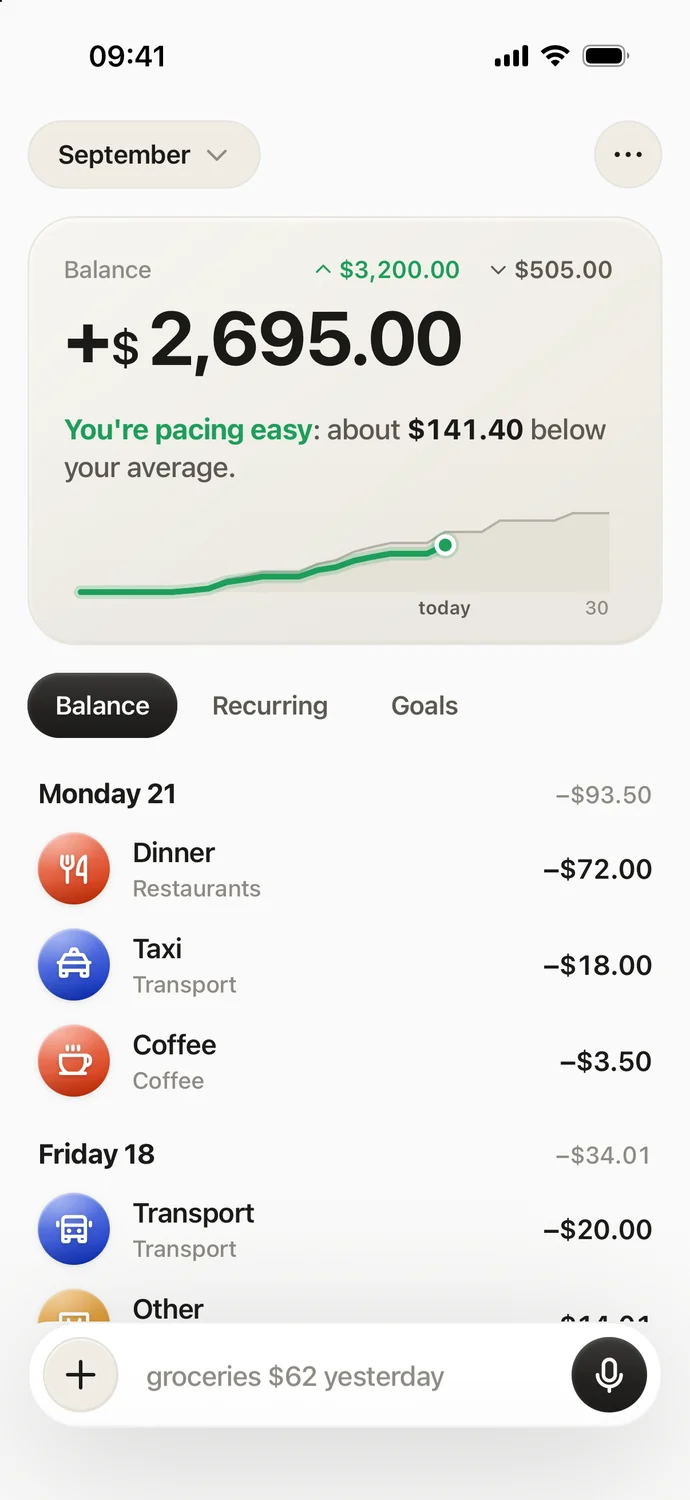
Papirer is an iPhone option for recording expenses by voice, text or receipt photo. It extracts the amount, date and category, supports recurring payments and shared lists, and compares the month with your usual spending. Your entries sync with your account and are processed with AI to understand them.
In September 2026, the free plan includes 30 new entries a month; Pro removes that limit and adds the weekly AI report. Papirer does not request bank credentials, import bank transactions automatically, cancel subscriptions or negotiate bills for you. There is no Android version. If that approach fits, you can download Papirer from the App Store.
Frequently asked questions
Is Rocket Money legit?
Its operator is Rocket Money, Inc., part of Rocket Companies, and it has a BBB business profile. Those facts identify the business; you still need to review the permissions and fees for the features you want.
Is Rocket Money free?
It has a free plan as of September 2026. Features such as subscription cancellation assistance and data export require Premium, and bill negotiation can carry a separate fee.
Is Rocket Money worth it?
Compare the savings you actually obtain with membership charges and any negotiation commission. In the company’s example above, the first-year saving falls from $120 to $72 after the negotiation fee, before membership costs.
Does canceling Premium delete my account?
No. Canceling the paid membership, unlinking financial accounts and deleting your Rocket Money account are separate actions, with separate instructions in the help center.
Sources
- Rocket Money – Terms of service
- Rocket Companies – Truebill becomes Rocket Money
- Rocket Money – Security
- Rocket Money – Frequently asked questions
- Rocket Money – How much does Rocket Money cost?
- Rocket Money Help – Pricing and trials
- Rocket Money Help – Premium payment and membership
- Rocket Money Help – Premium features
- Rocket Money Help – Bill negotiation charges
- BBB – Rocket Money business profile
- EPIC – Complaint to the CFPB, December 2022
- TINA.org – Truebill
- Rocket Money Help – Managing Premium
- Rocket Money Help – Disconnecting an account
- Rocket Money Help – Deleting your account
- Plaid – Privacy policy and Plaid Portal